


Imagine landing on a website only to feel unsure, confused, or even anxious about what’s next. For small businesses, these moments happen every day. People decide whether to trust a business’s website in seconds—often without even reading past the first screen. Understanding the factors behind why people don’t trust websites isn’t just about style; it determines whether your site turns visitors into customers or sends them running to a competitor.
What You’ll Learn About Why People Don’t Trust Websites
- Understand factors leading to low visitor trust online
- Recognize how website design, message, and structure create or lose trust
- See how customer trust, conversion, and website structures work together
- Learn practical web design concepts for small businesses
First Impressions: Why People Don’t Trust Websites on Arrival
How Quickly Visitors Decide Whether to Trust
The journey begins before a single word is read. Most visitors coming to a business website form their first impression within the first 8 seconds. That initial moment is where trust is either made or lost. Factors like page speed, modern design, and clear visual cues allow visitors to feel secure and focused. In contrast, slow loading times, cluttered layouts, or outdated details create immediate doubt. People use quick scanning, not deep reading, to judge a site’s credibility. For local businesses, restaurants, service providers, and retail stores alike, making those first seconds count is critical. A professional, inviting homepage, visible contact options, and an intuitive path forward all help ease anxiety and foster trust. When the visual and functional aspects of the site are aligned, visitors are likely to linger, scroll further, and consider becoming a customer.
First impressions also shape whether visitors believe a business is real, safe, and worth their attention. Small elements like a visible SSL certificate, readable contact forms, or clear brand signals act as trust factors. If something feels off—such as missing branding, poorly lit photos, or ambiguous wording—potential customers are often gone before the page loads fully. In the fast-paced world of search engines, where businesses compete side by side, only those that communicate credibility “at a glance” are chosen first.

How Clear Messaging Instantly Builds or Loses Trust
Clarity in messaging is non-negotiable. People today expect to know what a business does, who it serves, and what action to take—immediately. Research shows customers rarely read every word on a homepage or service page; they form opinions based on headlines, visuals, and obvious details first. A crisp, visible value statement or “what we do” section tells visitors they’re in the right place. When that clarity is missing, even the best products and services go unnoticed.
Customer trust erodes quickly if content is ambiguous or the path to get help, buy products, or schedule a service is hidden. For example, if a restaurant’s homepage doesn’t show food photos, reviews, or a clear “Order Now” button, customers are less likely to convert. If a dentist site hides contact information or fails to explain services in plain language, patients may doubt professionalism. In short, a business must answer common questions right away—or risk sending visitors elsewhere.
For businesses looking to address these trust issues at a tactical level, implementing a structured approach to local authority publishing can make a significant difference. Discover practical strategies for building credibility and improving website engagement in this guide to Structured Local Authority Publishing.
Scanning and Scrolling: The Reality of Visitor Behavior
Why People Don’t Trust Websites That Don’t Match Natural Behavior
Websites that force users to change the way they naturally scroll or browse can make visitors lose trust. Today, people are used to scanning and scrolling through content quickly, seeking familiar cues like “Contact,” “Book Now,” or clear service menus. If navigation is complicated—buried behind too many clicks or using non-obvious menus—friction builds. This friction often causes visitors to abandon the site, regardless of the quality of the product or service being offered.
Mobile browsing is now standard for most local searches. A mobile-first design, which prioritizes fast loading, clear buttons, and readable content, is essential for building trust online. If a site lags, displays poorly on a phone, or hides information behind pop-ups, trust is broken. Responsive design and simple layouts mean customers can get answers instantly without hunting for details or battling slow, outdated pages. Remember: customers move on quickly if they can’t find what they want without thinking.
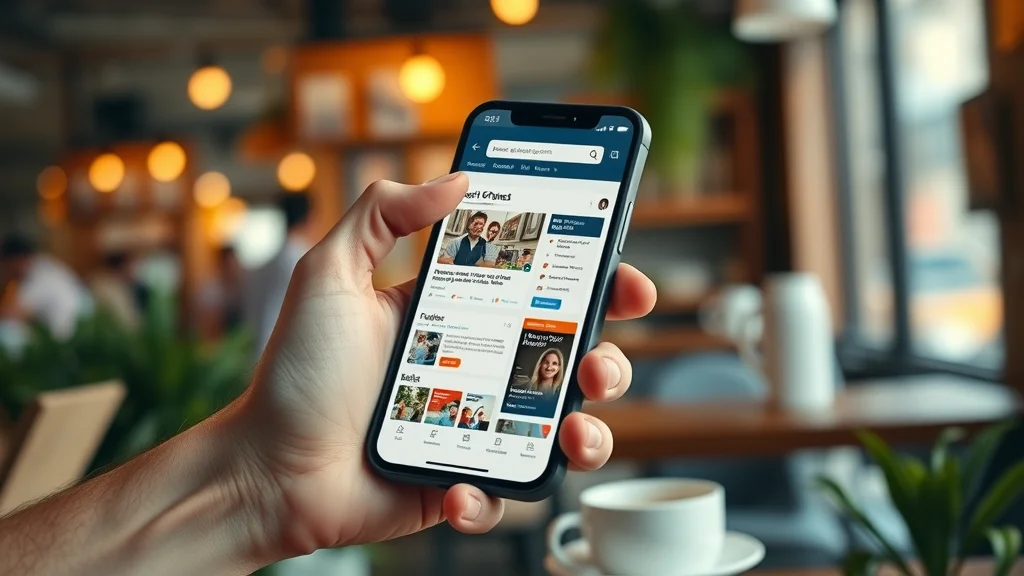
- How users scroll, scan, compare, and avoid reading every detail
- Friction from too many clicks and hidden content
- Mobile-first design and page speed as trust factors
List: Top Reasons Why People Don’t Trust Websites
- Unclear or confusing messaging—Users can’t easily tell what the product or service is.
- Complicated navigation—Too many clicks or hidden menus cause visitors to lose trust and leave.
- Lack of visible social proof—No testimonials or reviews reduces customer trust.
- No SSL certificate—Security and privacy concerns break trust.
- Slow loading or poorly structured mobile experience—Mobile visitors lose trust the fastest.
- Outdated design—Old or cluttered looks make visitors question credibility.
- Hard-to-find contact or call to action—No clear way to act means lost conversions.
- Missing or weak branding—No logo or branding signals a lack of professionalism.
- No clear next step—When visitors don’t know what to do, conversions drop.

How Social Proof and Customer Trust Influence Online Choices
Role of Reviews, Testimonials, and Trust Badges
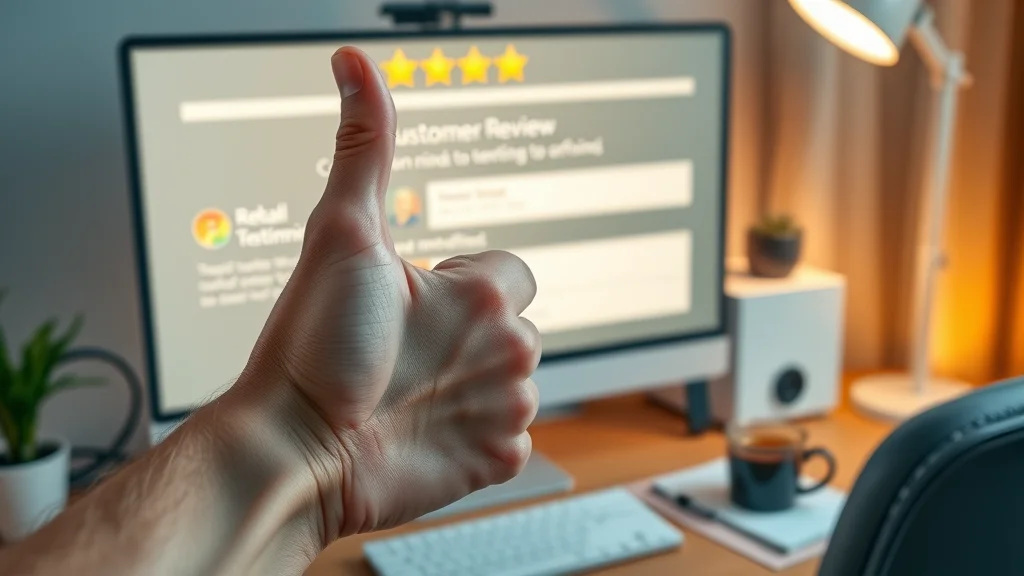
Social proof is a powerful trust factor for any business website. When visitors see real reviews, testimonials, or trust badges from industry partners, it reassures them they’re not alone in their decision. Seeing the experiences of other customers makes your offer feel less risky. Even a handful of thoughtfully placed customer reviews or “as seen in” media logos make a product or service more credible than a site with no external validation.
Trust badges—visual cues like SSL security seals, payment icons, or professional associations—help calm worries about credit card information or privacy. For small businesses, social proof can appear as reviews on your website, links to social media profiles, or simple customer quotes. A visible, simple trust signal right on the homepage can stop a visitor from leaving out of doubt.
Social Media Connections and Customer Trust
In today’s digital world, an active social media presence is a credibility signal visitors notice instantly. Links to platforms like Instagram, Facebook, or LinkedIn show that a business is real and open to being contacted. This transparency helps build trust, especially for local businesses, restaurants, or service providers. Customers often research a company’s social channels as part of their decision process. If accounts are up to date and feature recent activity, that reassures visitors.
Social media also enables two-way communication. Quick responses via direct messages, live chat, or public replies demonstrate reliability and customer care. When social media feeds are missing, abandoned, or out of sync with the website, potential customers may worry about legitimacy. Consistency in your digital presence—website, reviews, and social platforms—creates a unified, trustworthy perception.
The Impact of SSL Certificates and Security Signals on Trust
- How SSL certificates reassure visitors
- Other web security essentials that build trust
Security is at the front of most online visitors’ minds, even if they don’t say it out loud. Modern browsers actively warn users about websites lacking SSL certificates (the green lock icon). Without SSL, any data—such as credit card information, contact form details, or phone numbers—could be at risk. The absence of SSL breaks trust and often causes visitors to leave immediately. For every type of business website, this is a must, not a nice-to-have.
Beyond SSL, other essentials reinforce a sense of security. Visible privacy policies, clear contact options, trust badges from recognized vendors, and transparent processes for bookings or payments all contribute to customer trust. When these signals are missing, local businesses may struggle to be chosen even if they offer excellent products and services. Ensuring visible security from the first page onward is a simple way to build trust online.

Building Trust: Core Lead Generation Web Design Principles
Using Simplicity and One-Page Designs to Build Trust
A straightforward website structure is key for any small business aiming to build trust and generate leads. One-page designs allow visitors to see everything they need—products or services, social proof, contact options—without clicking through endless menus. Fewer clicks mean less friction and a smoother customer journey. Simplicity encourages visitors to read just enough to act, rather than overwhelming them with too many options.
Lead generation web design guides users toward action. For service providers, highlighting the main offer, brief testimonials, and a clear form to book or contact keeps things moving. For restaurants or retail, a scrolling layout that goes from menu to reviews to order button reflects how people expect to shop today. When a business removes clutter, confusion fades and trust naturally increases.
Clear Calls-to-Action Guide Visitors to Conversion
Conversion isn’t just a marketing term—it’s the difference between a visitor and a customer. Clear calls-to-action (CTAs) move visitors ahead, whether that means scheduling a call, placing an order, or filling out an inquiry form. For local businesses, CTAs like “Book Now,” “Contact Us,” or “Order Online” create an obvious next step. When visitors don’t have to search or think about what happens next, conversion rates rise.
Reducing uncertainty is one of the most effective ways to build trust online. If customers know exactly what to do, and can easily do it, they’re less likely to leave for a competitor. A good CTA, paired with a concise value statement, can turn hesitation into action in seconds. Remember, even the best products or services are missed if customers don’t know how to act.
Mobile-First Structure and Page Speed — Building Trust on Every Device
With most browsing now happening on smartphones, a mobile-first approach is non-negotiable. Sites that load quickly, display content clearly, and avoid unnecessary pop-ups enjoy higher customer trust. Slower sites with non-responsive layouts frustrate users and increase the likelihood they’ll leave before engaging with your business.
Fast loading is another silent trust factor—people associate quick websites with competence and reliability. Every second of delay increases abandonment. Small businesses should prioritize page speed, responsive images, and streamlined code to keep visitors engaged. From retail stores to health clinics, meeting visitors where they are—on any device—sets the stage for trust and high conversion.
Table: Comparing Trust Factors for Websites at a Glance
| Trust Factor | Trust Impact | Common Mistake | How to Fix |
|---|---|---|---|
| First impression | High – shapes trust in seconds | Cluttered design or unclear message | Use clean layout and clear headline |
| Messaging clarity | Essential – tells visitors what to expect | Vague or missing product/service info | State value offer visibly, simplify text |
| Page speed | Major – slow sites lose trust fast | Heavy graphics, poor mobile design | Optimize images, test on mobile devices |
| SSL certificate | Critical – missing SSL breaks trust | No lock icon, browser security warnings | Add SSL certificate and display trust badges |
| Social proof | High – real reviews and testimonials matter | No testimonials, reviews, or partner logos | Add customer reviews, show affiliations |
| Mobile design | Vital – users browse mainly by phone | Non-responsive, hard-to-read pages | Use a mobile-first, single scroll layout |
Quote: Expert Perspective on Why People Don’t Trust Websites
“Most visitors judge a business not just by what’s offered, but by how clearly and confidently it’s communicated the second they arrive.”
FAQs: Why People Don’t Trust Websites and How to Build It
- What causes people not to trust?
- What makes a website untrustworthy?
- Why shouldn't you trust the internet?
- What types of websites should you avoid?
FAQ Answer Section
- Visitors often lose trust because of unclear messaging, lack of visible security, and poor structure. Trust depends on immediate clarity and professional presentation. If a business website fails to demonstrate professionalism or hides essential details, potential customers are more likely to leave.
- Websites appear untrustworthy due to outdated design, missing reviews, lack of SSL certificates, hidden contact details, and complicated navigation. Even strong service offerings go unnoticed without clear trust signals and user-friendly structure.
- Caution is advised online because information can be manipulated, some sites lack proper safety protection, and personal data may be at risk. Visitors should always check trust signals—like SSL and credible branding—before submitting information or making purchases.
- It's best to avoid sites without SSL, professional branding, or social proof. Excessive pop-ups, unclear calls-to-action, and requests for unnecessary personal data may also indicate a lack of legitimacy or privacy protections.
Key Takeaways: How to Prevent Losing Customer Trust Online
- Clarity, speed, and simplicity are crucial for building website trust
- Visitors decide to trust or leave in the first few seconds
- Use clear structure, mobile-first design, and display social proof for the best results
- Strong calls-to-action and quick value explanations help turn more visitors into customers
Engaging explainer showing website comparisons, trust signals, and real-world user reactions to good vs. bad web design; includes motion graphics and highlighted key trust factors
This video demonstrates effective web design choices for small businesses, including simplified layouts, visible trust badges, and seamless mobile experience—all proven to help build trust online.
How Lead Generation Websites Transform Visitor Trust Into Customers
While website traffic is valuable, it is clarity, simplicity, and confidence that turn visitors into leads and customers. Small improvements—like clearer headlines, visible reviews, or faster mobile layouts—often make all the difference in which business is chosen online. Consistency in design, messaging, and follow-through builds recognition and trust over time. Remember: the easiest business to understand is the one most likely to win the customer’s call, click, or visit.
Ready to see your website turn more visitors into leads? Learn more about how lead generation websites work for small businesses here: How Lead Generation Websites Work
If you’re ready to take your website’s trust-building to the next level, consider exploring the broader strategies behind content authority and digital reputation. By understanding how structured publishing and strategic content planning work together, you can position your business as a trusted leader in your local market. For a deeper dive into these advanced approaches and how they can elevate your entire online presence, visit the Local Authority Content System™ Insights & Strategy page. Unlock the next layer of credibility and discover how to turn trust into long-term growth.




Write A Comment